Dictionary&
Flashcards

Context
Language learning follows a natural cycle: discover, understand, revisit, remember. Break that cycle and retention drops—new vocabulary does not stick, and learners lose their sense of progress.
Our old dictionary stored words but offered no context or clear way to return to them. Learners saved vocabulary without reviewing it. The learning loop stopped halfway, and the dictionary became a feature that looked useful but did little for real progress.
Insights
Learners could not tell how to save a word or where it went afterward
because the navigation and feedback were unclear.
• They could save individual words but not phrases. Losing the surrounding context made vocabulary harder to understand and less useful to review.
• The old interface was crowded with small controls. Statuses were easy to miss, gestures felt unfamiliar, and many learners could not tell
whether their action had worked.
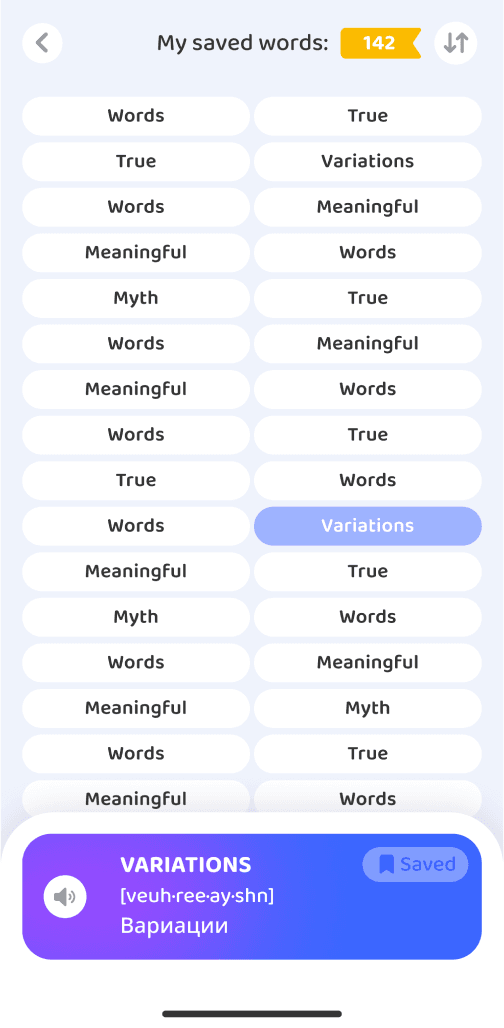
• The dictionary felt like an archive: a long, unstructured list
with no filters and little reason to revisit it.
• There was no way to practice saved vocabulary.
The learning loop ended before review began.
The original flow
The dictionary lived under the Progress tab. That made sense on paper, but most learners spent their time on Home and rarely opened Progress. For many, the dictionary might as well not have existed, which limited its value before they even tried it.
Inside, the visual hierarchy was inconsistent: emphasis appeared in the wrong places and was missing where it mattered. Saving a word gave no visual or tactile confirmation. After a lesson, nothing reminded learners about their saved vocabulary or invited them to practice it, so the learning loop broke again.
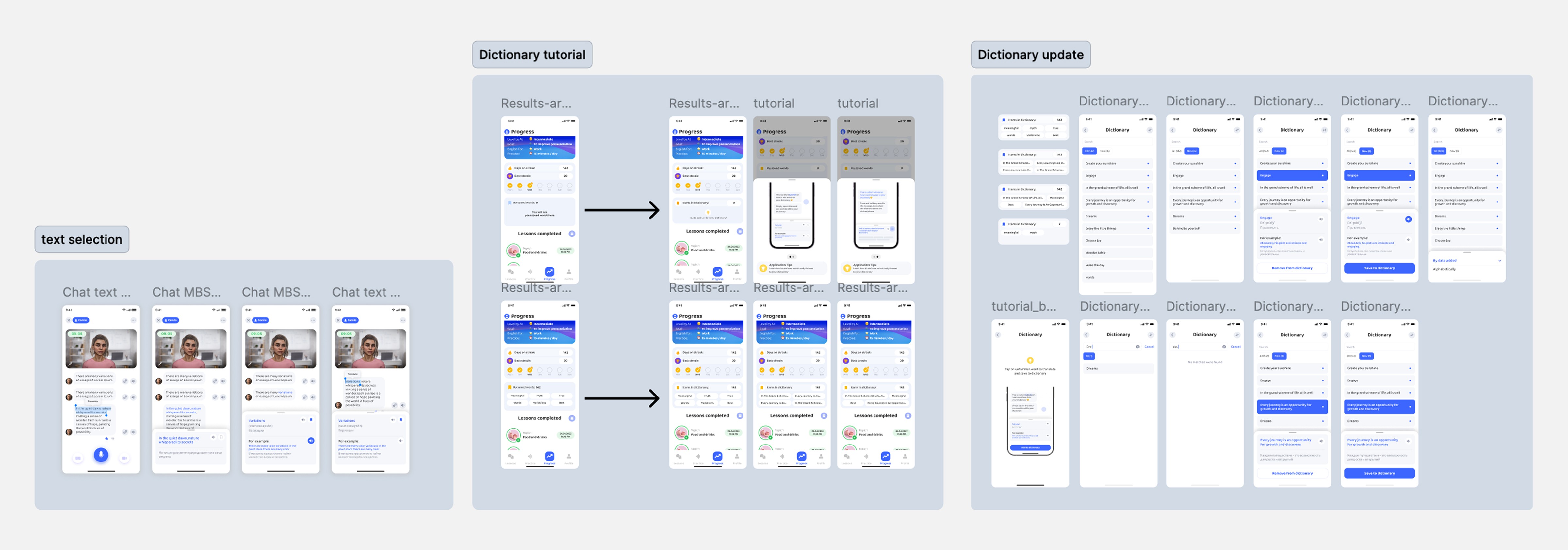
The diagram below shows the old flow and the points where learners got lost.
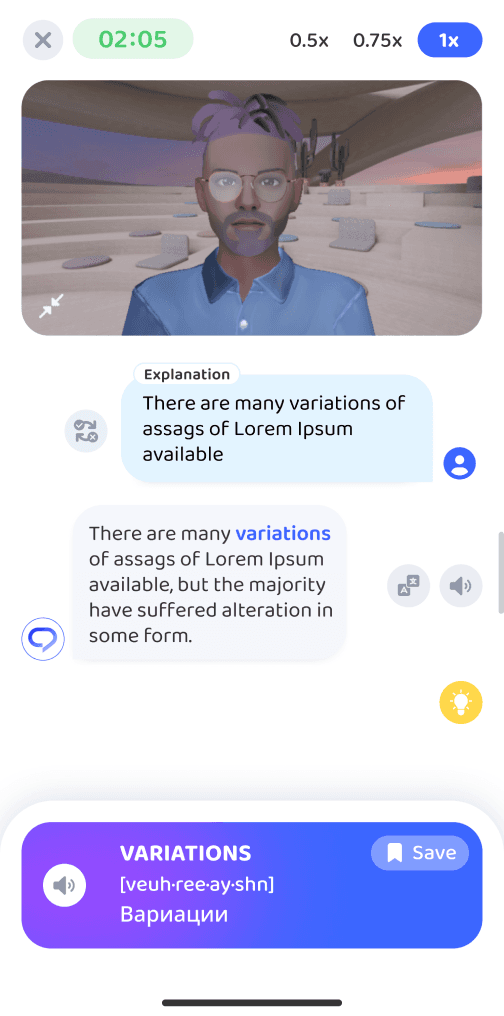
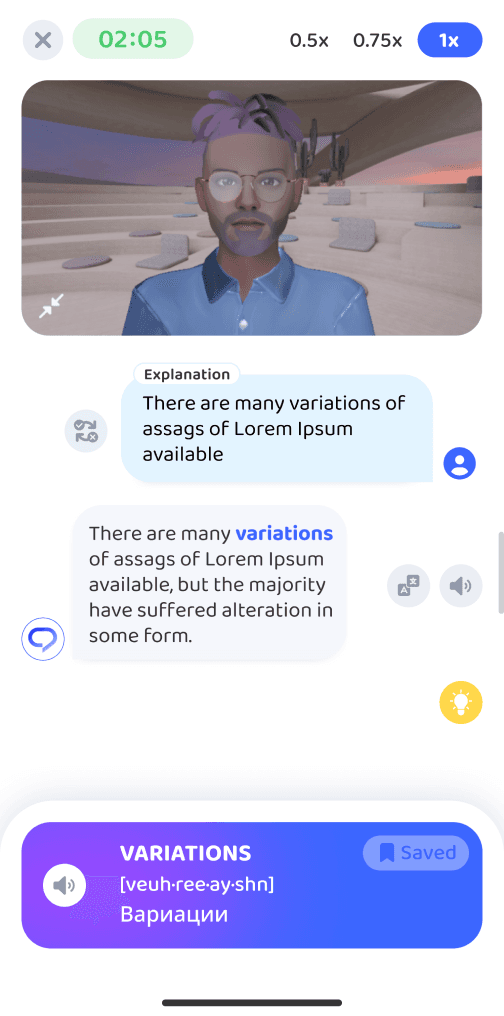
Tapping a word opened a small bottom sheet with a Save button,
but no confirmation, so learners could not tell whether it was saved.
Learners could not select multiple words or save a phrase.
The same word could be saved repeatedly from different lessons, filling the dictionary with duplicates.
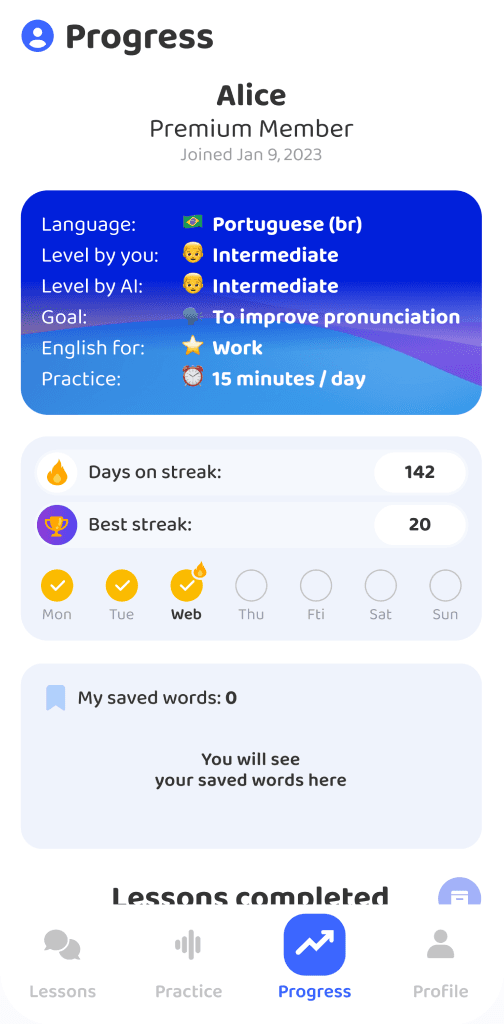

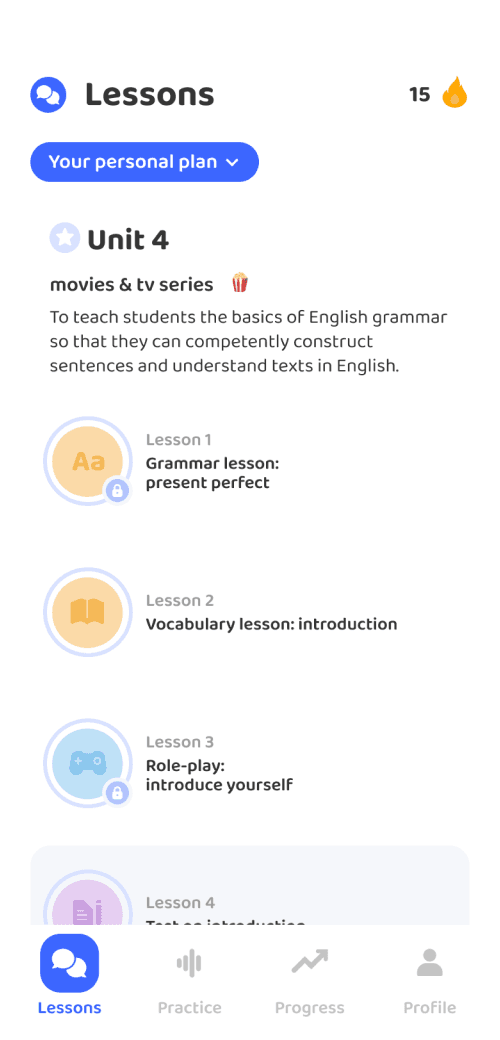
The dictionary was hidden under Progress. Many learners did not even know
it existed.
The interface felt dated, with inconsistent emphasis and too much visual clutter.
An unstructured word list made it hard to find recent saves.
After a lesson, learners returned to Home with no clue where their saved words had gone.
The solution
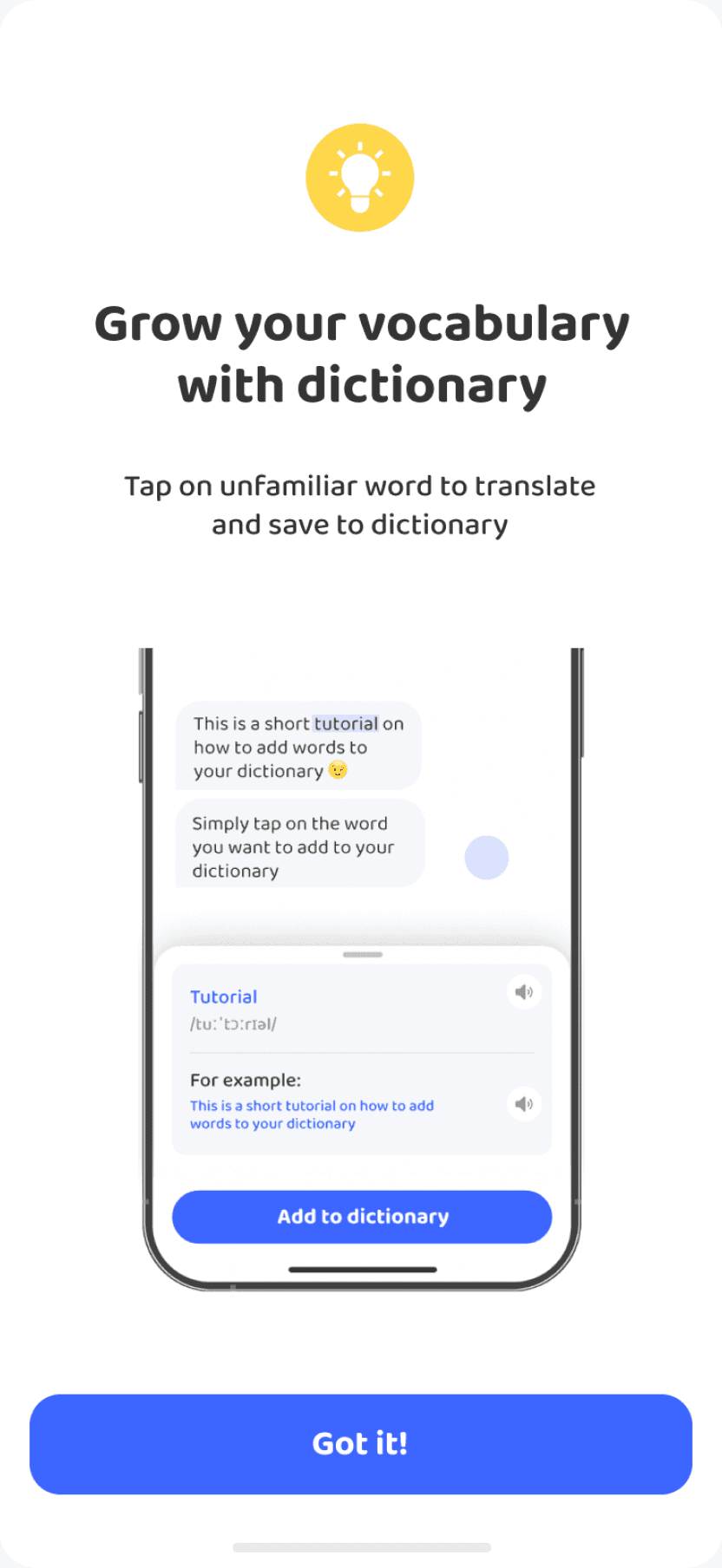
1. Make saving clear during the lesson
I redesigned the save interaction with a short introduction, a visible Save to dictionary button, and immediate feedback. Learners now know exactly what they saved and how it works.
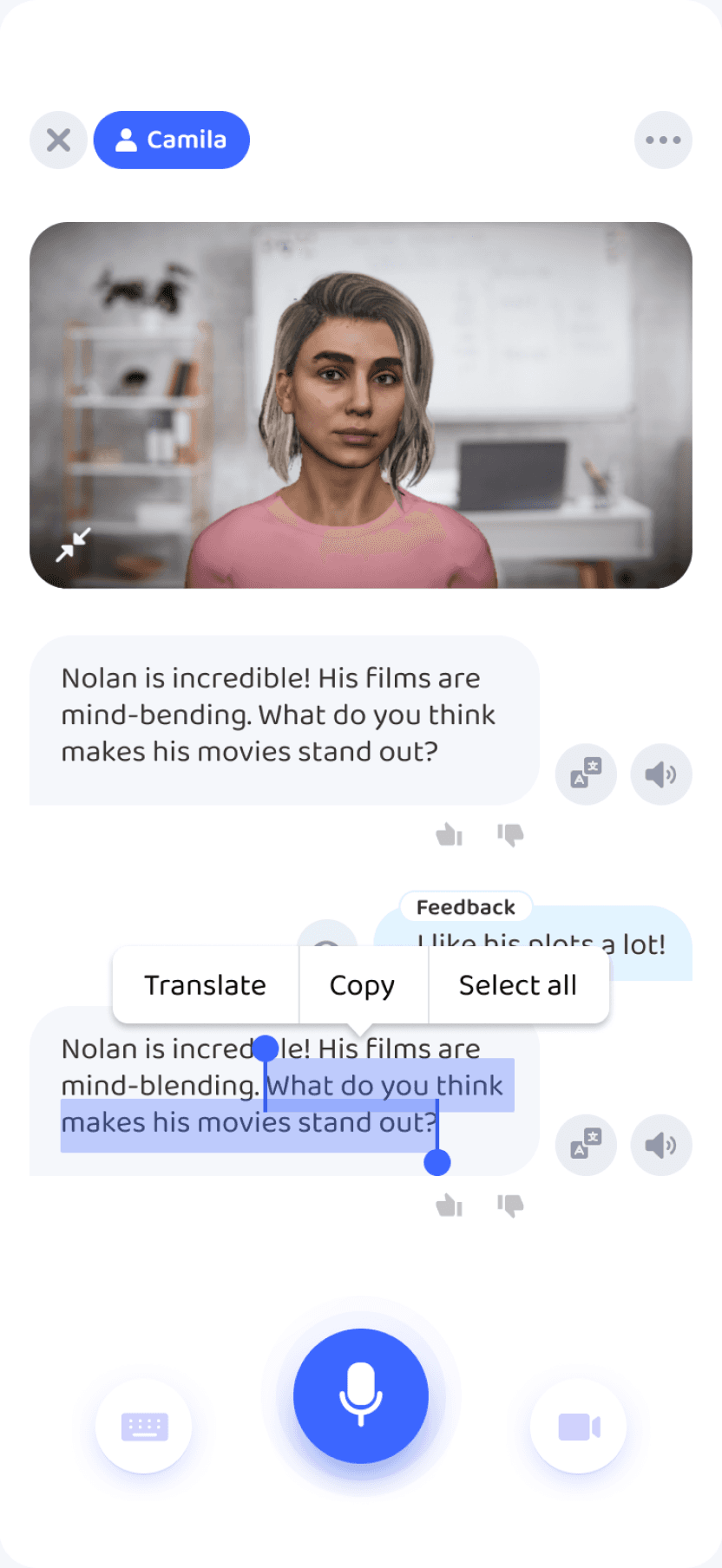
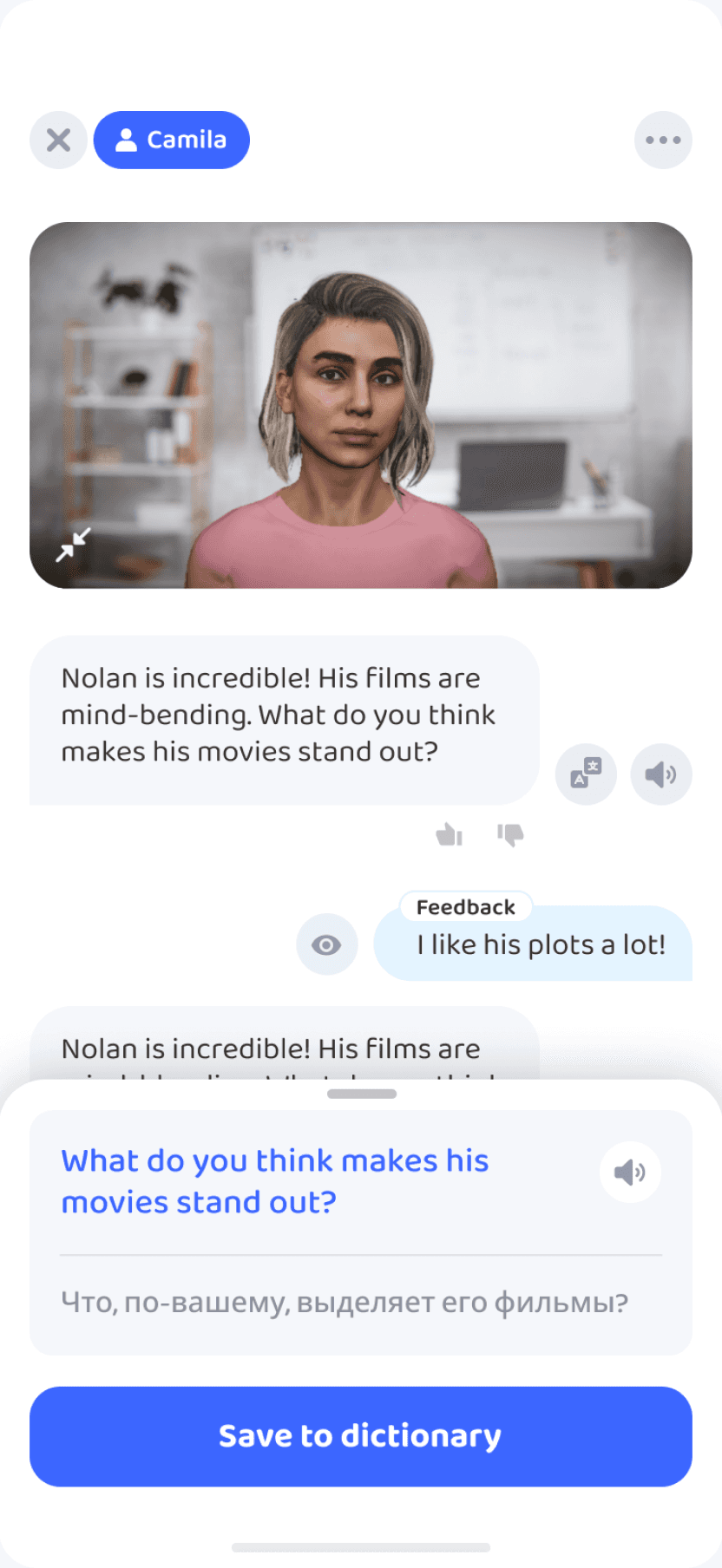
2. Let learners save phrases, not just words
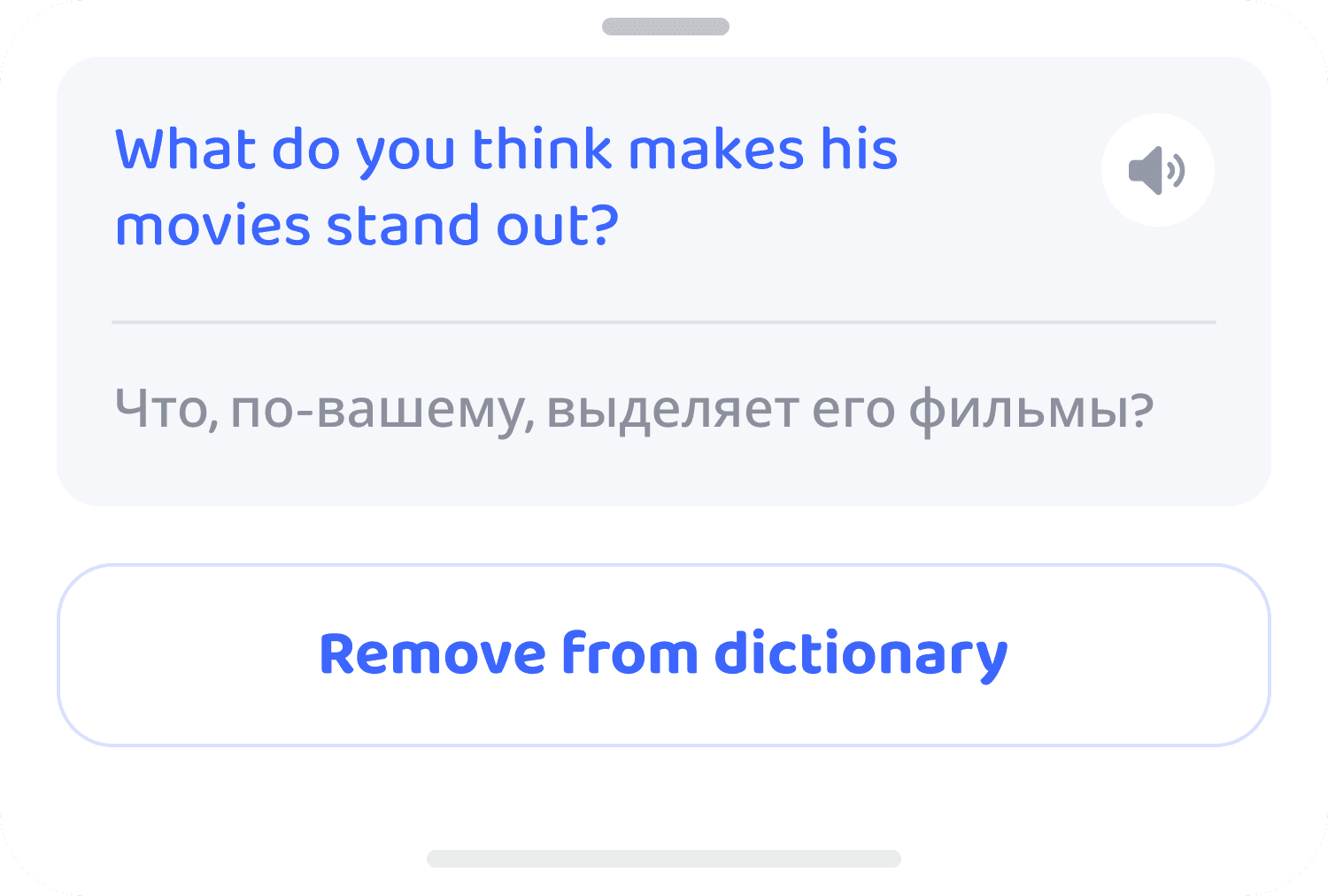
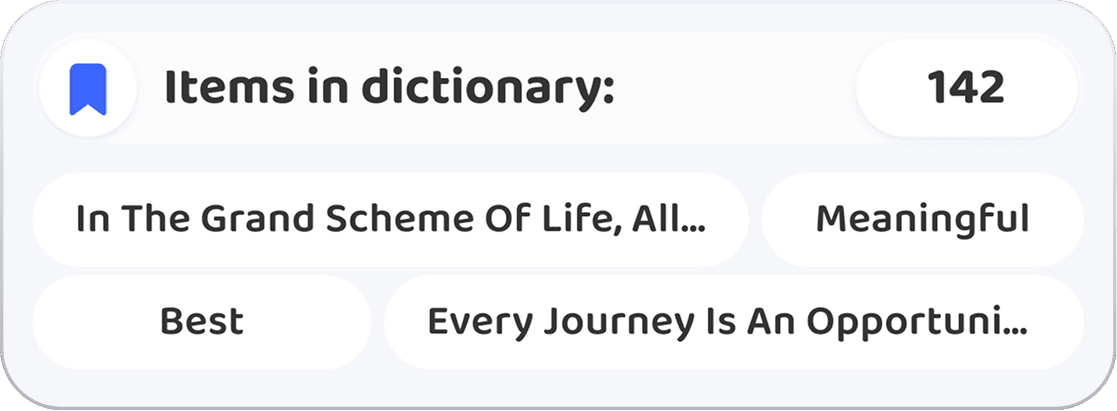
Learners can now select a passage or an entire sentence. Keeping the context turns the dictionary into a useful review tool instead of a collection of isolated words.
3. Bring learners back after the lesson
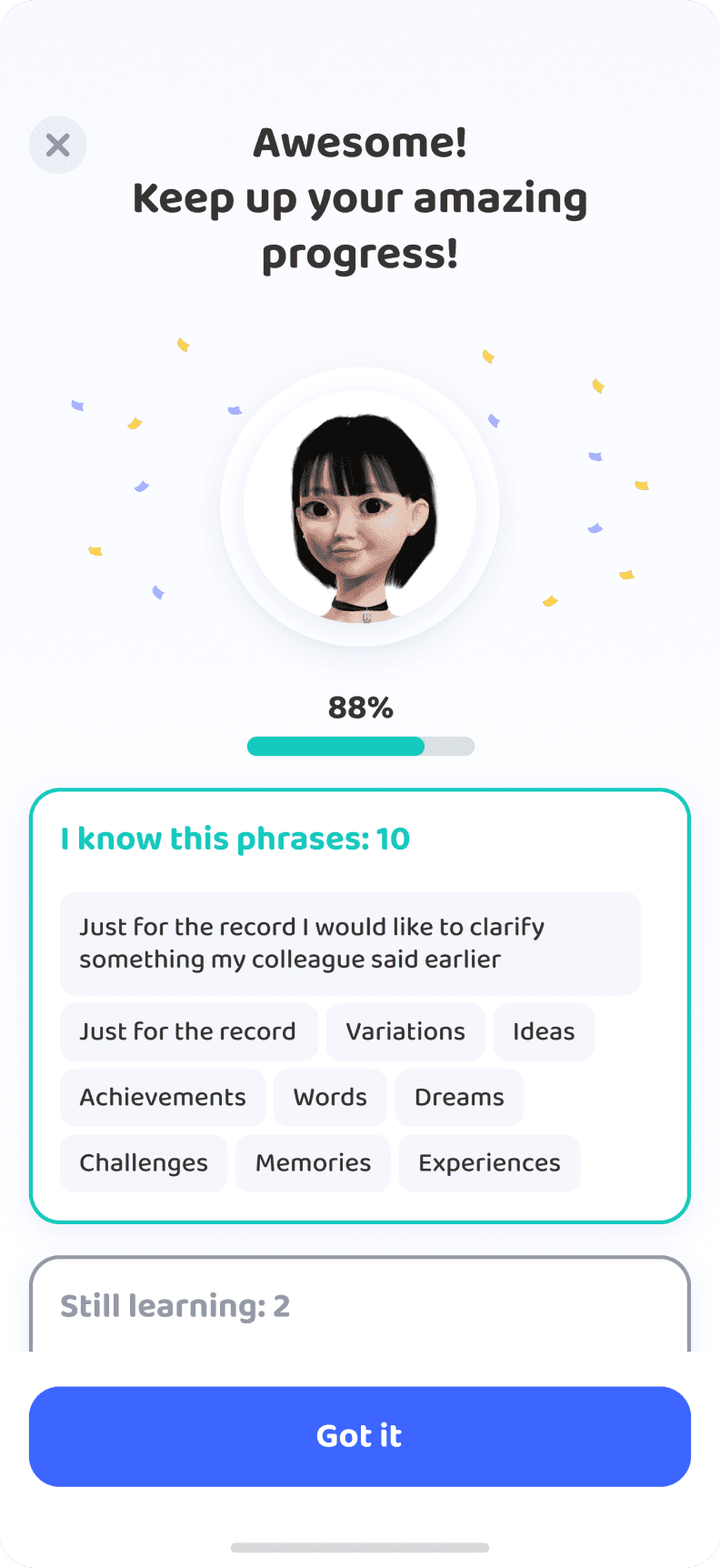
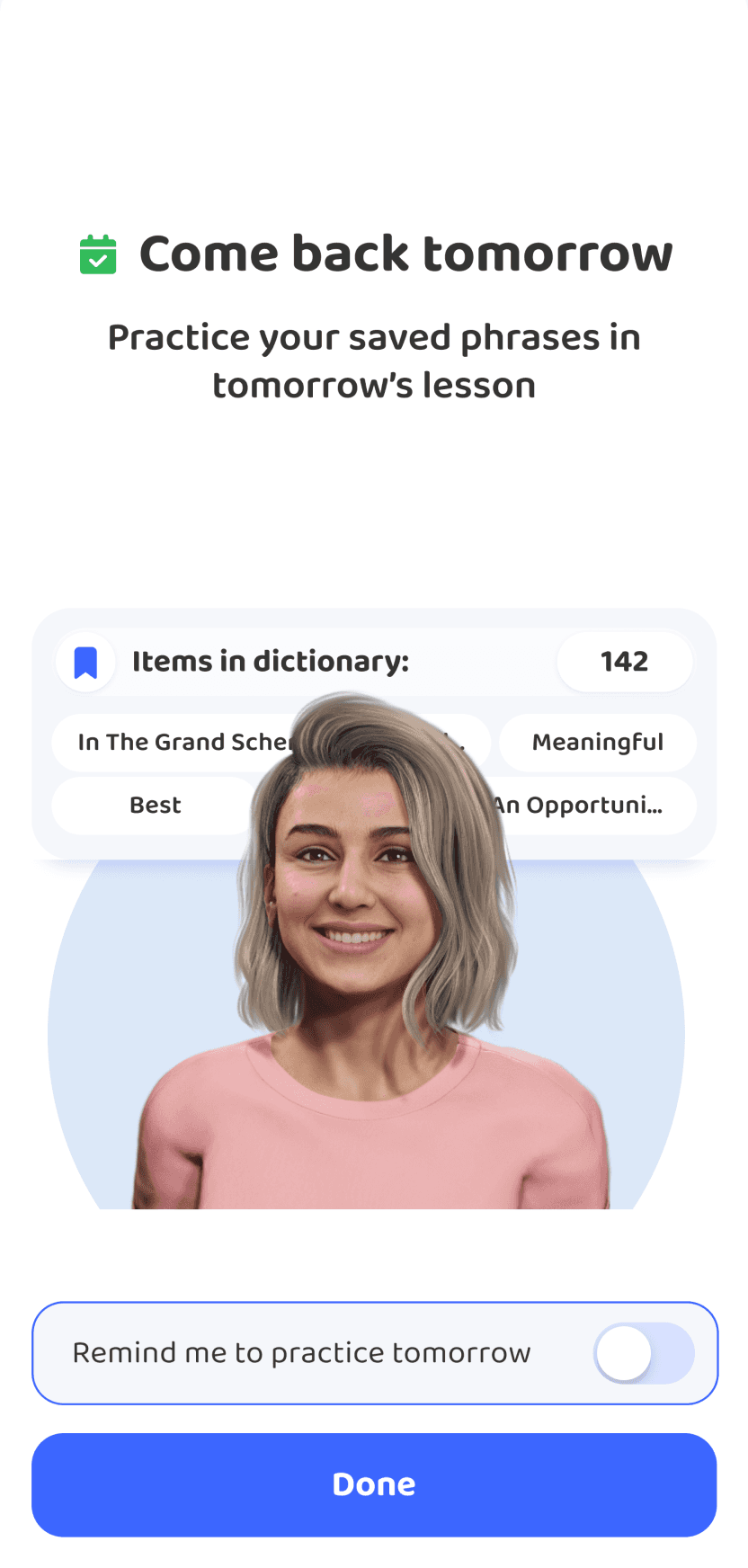
At the end of a lesson, a gentle prompt confirms what was saved and suggests revisiting it the next day. It connects the lesson to review and gives learners a reason to return.
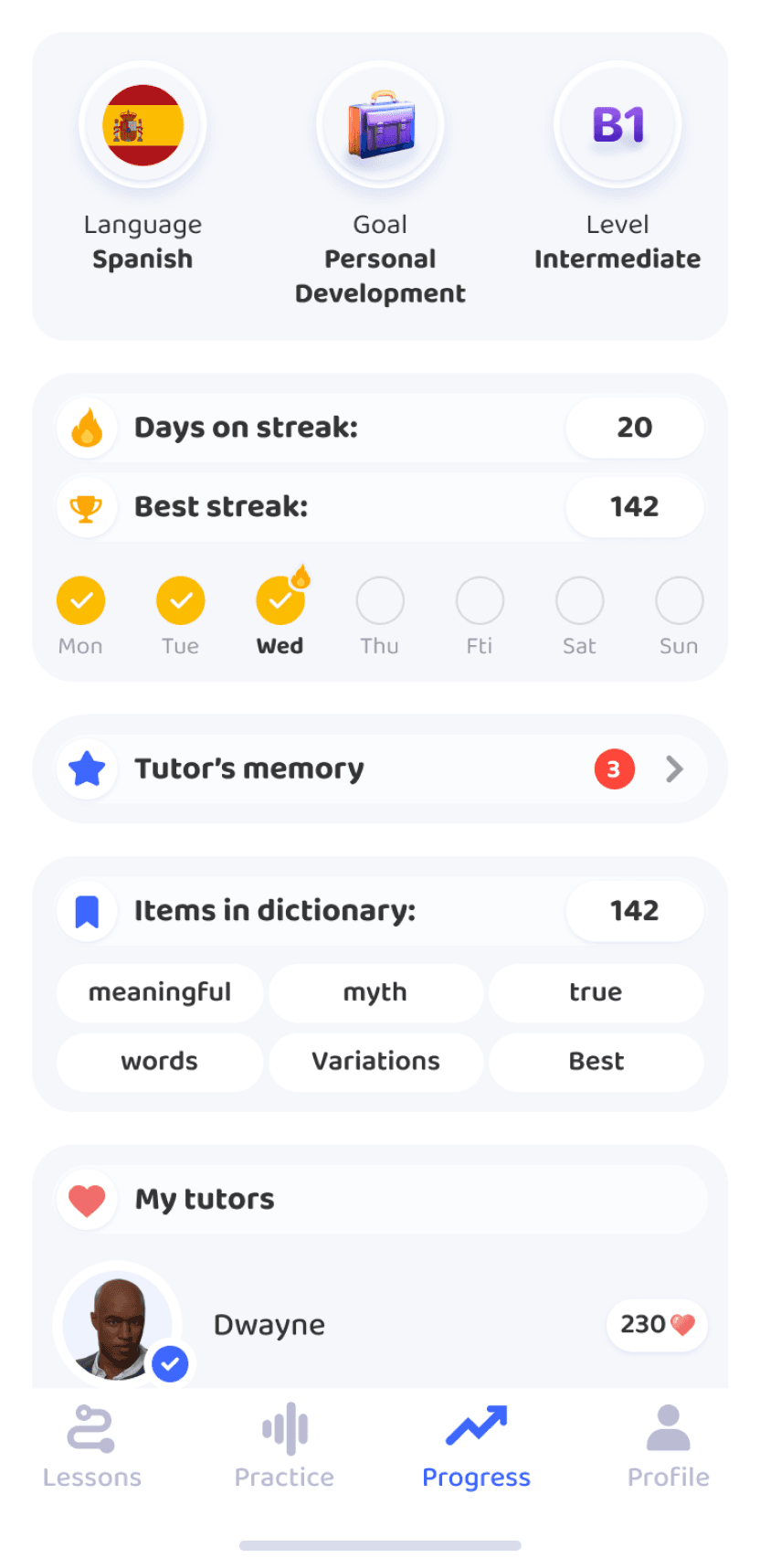
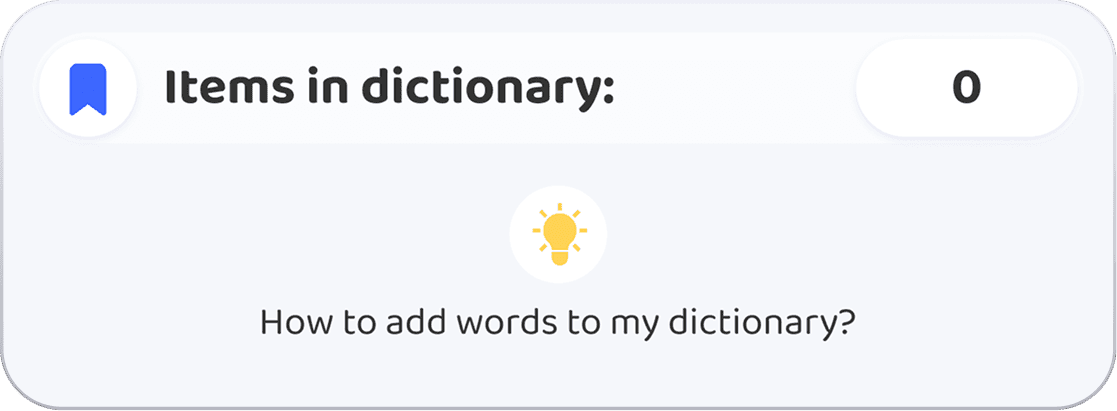
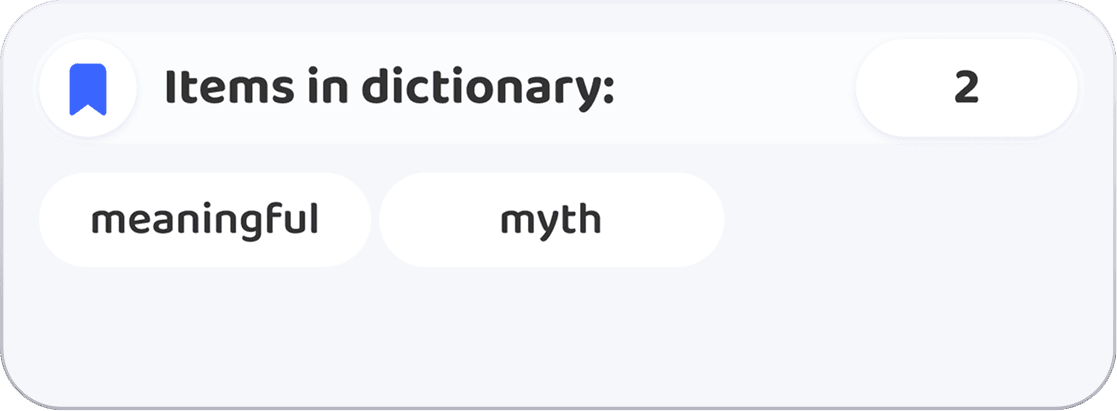
We also adjusted the exit flow: until a learner enabled a reminder, they were guided to Progress, where the dictionary widget lives.
4. Give the dictionary a simpler structure
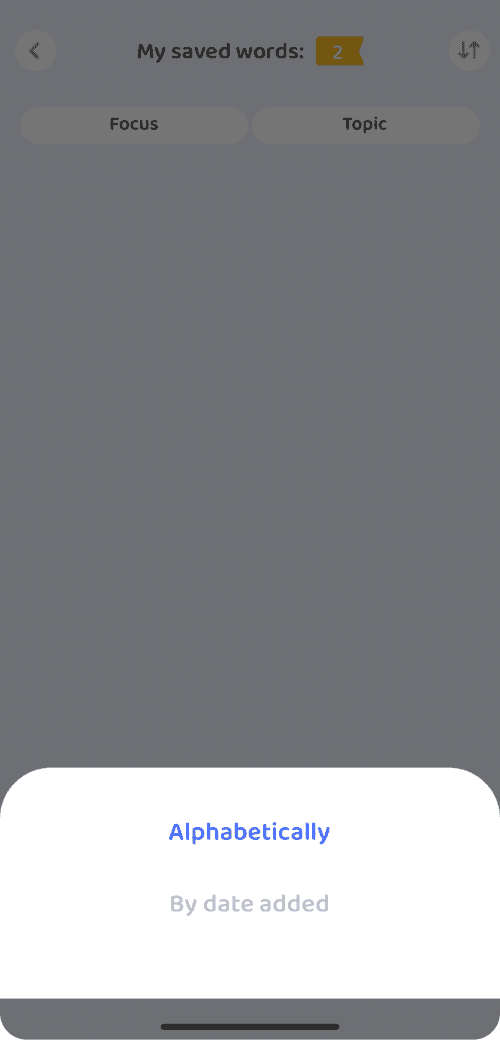
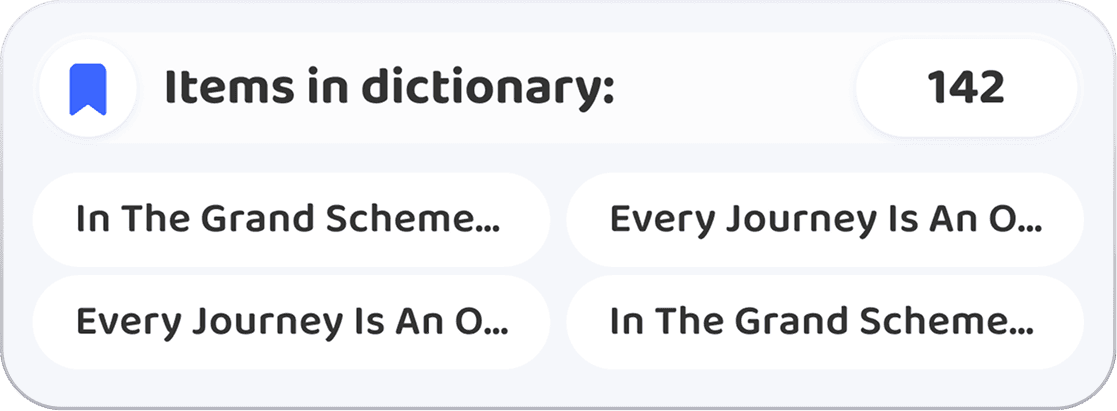
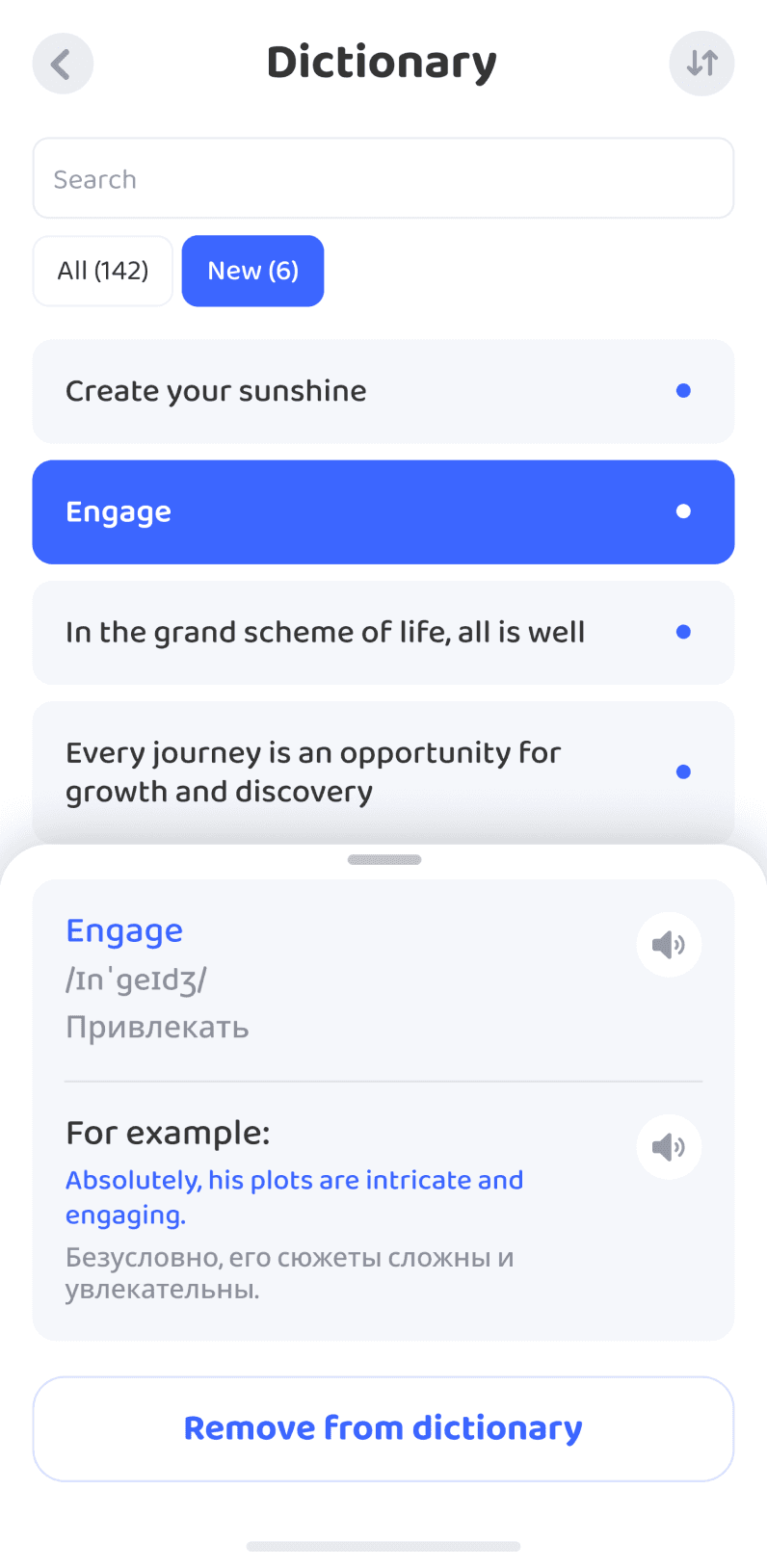
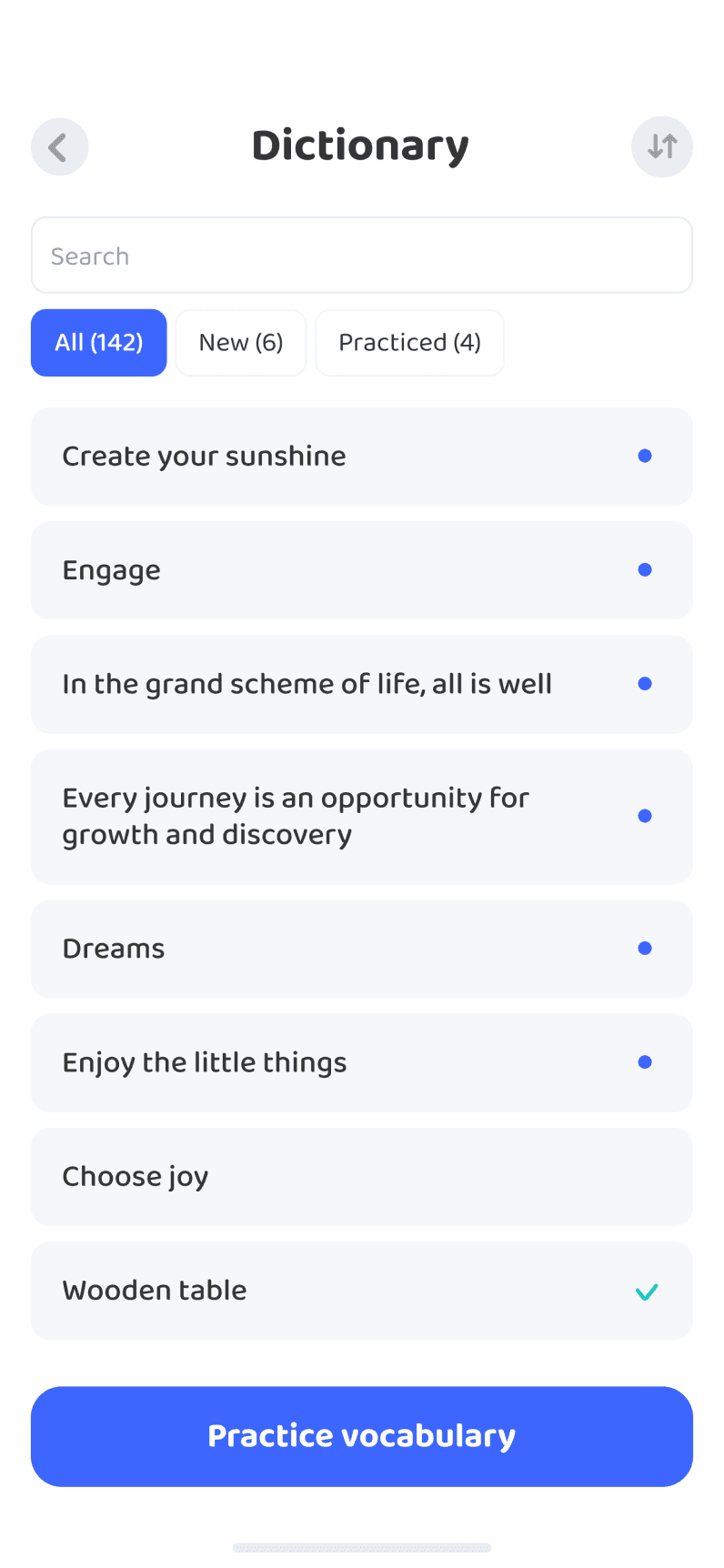
I stripped back unnecessary emphasis, cleaned up the list, and added clear filters. New words and phrases are now easy to find and scan.
Note: Progress looks different in the newer mockups because it was updated as part of a wider
product UI refresh. That work was outside this feature, but I adapted the dictionary widget to the new visual language for a consistent experience.
Preparing your flash cards
What we planned next
A more present tutor: an expressive, voiced avatar offering encouragement during practice, just as it does in a lesson.
Longer practice sessions: the option to review more words
in one session when learners are ready.
An entry point on Home: a banner that makes vocabulary practice
part of a daily routine.
Progress insights: personal review history and trends.
Success metrics
• Save Rate — more words
and phrases saved during lessons.
• Funnel Conversion Rate — more learners moving
from saving vocabulary to their first flashcard session.
• Repeat Usage Rate — more learners returning to review saved vocabulary.
• Weekly Retention Rate — stronger week-over-week retention.
• Feature Engagement Rate — greater engagement
with flashcard practice.
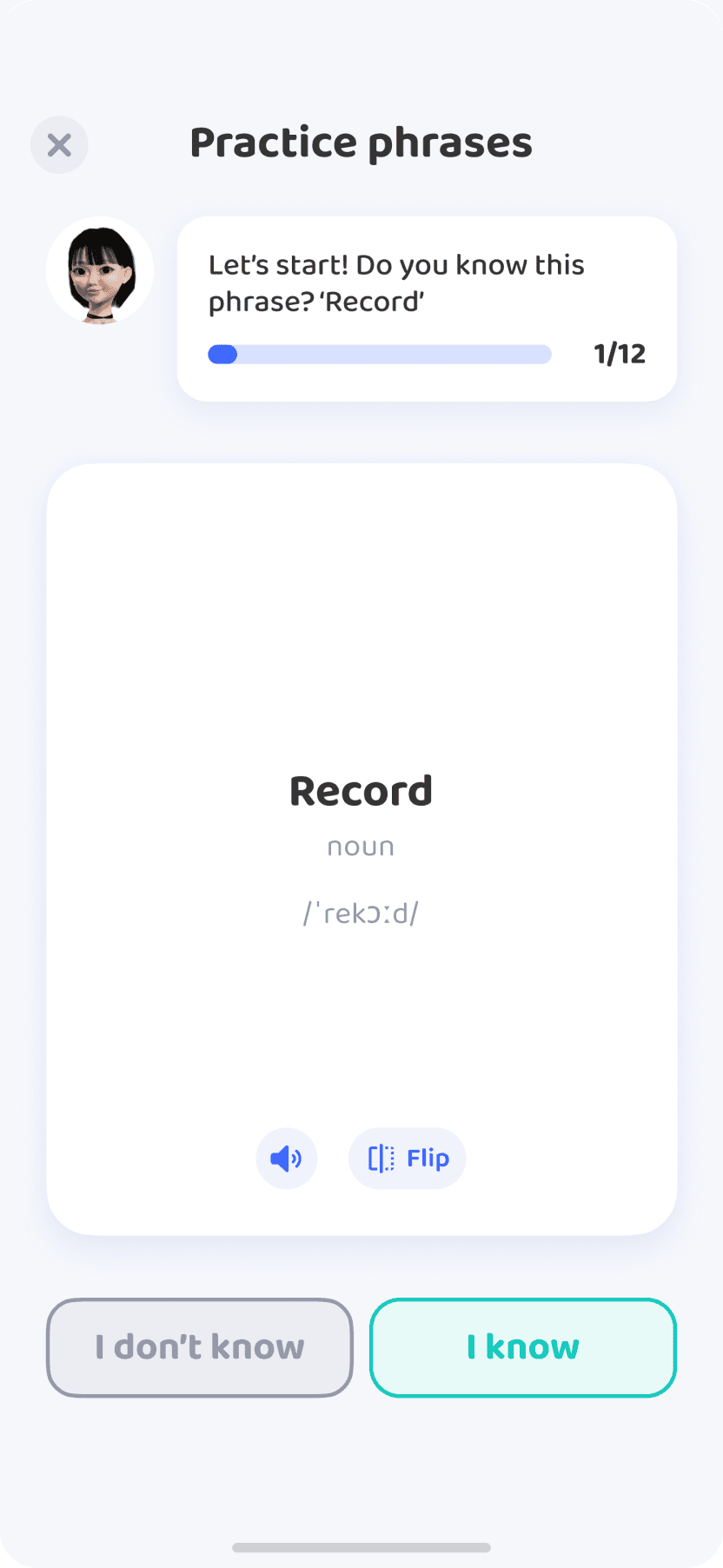
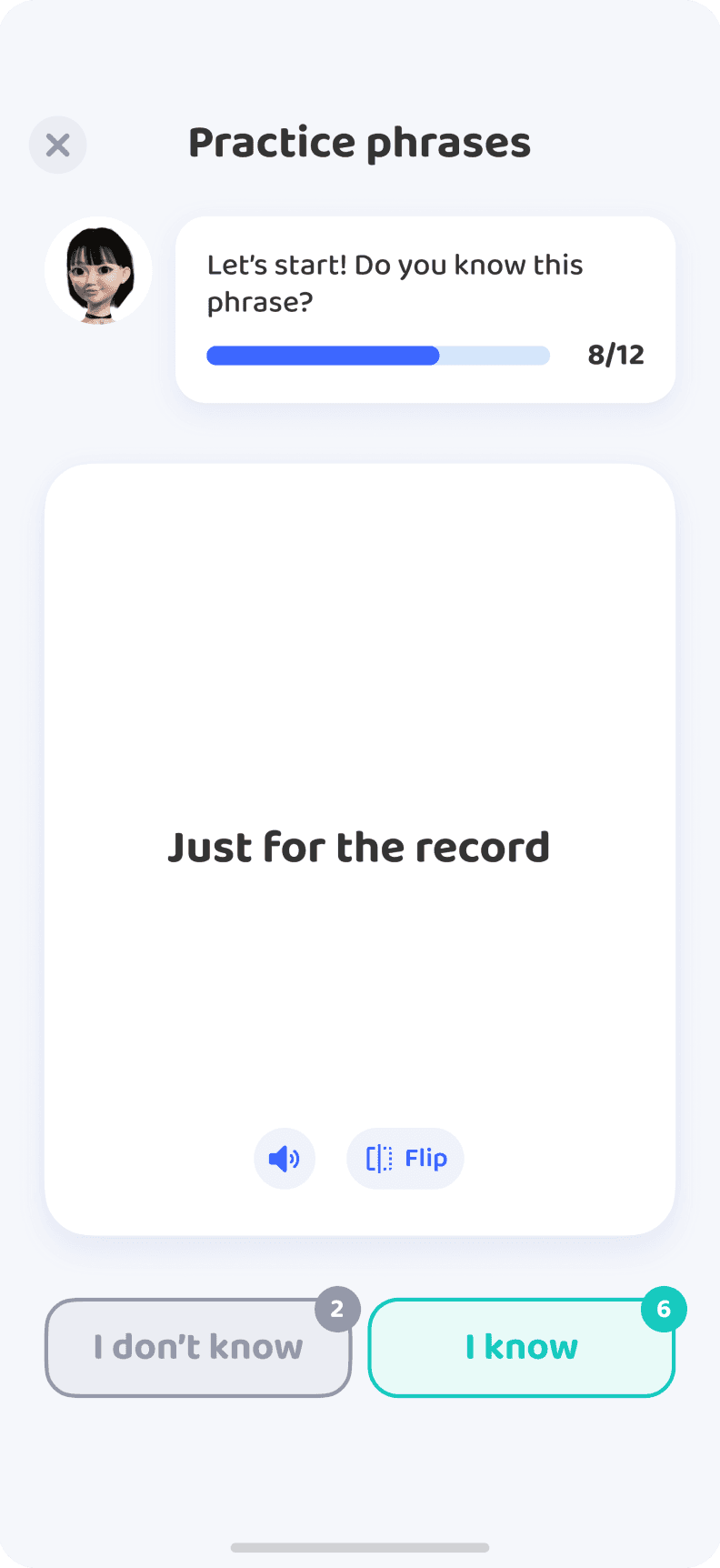
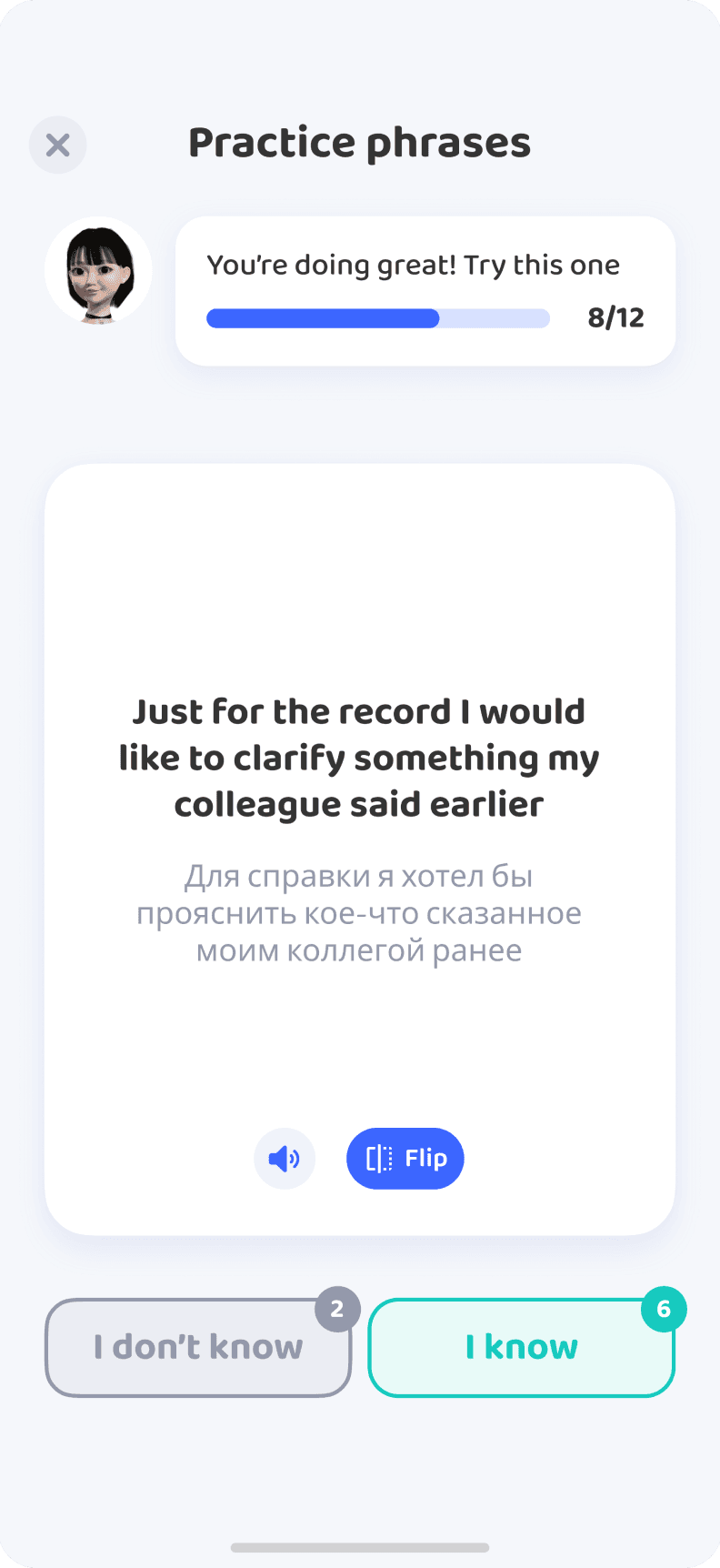
Flashcard practice for words and phrases (beta)
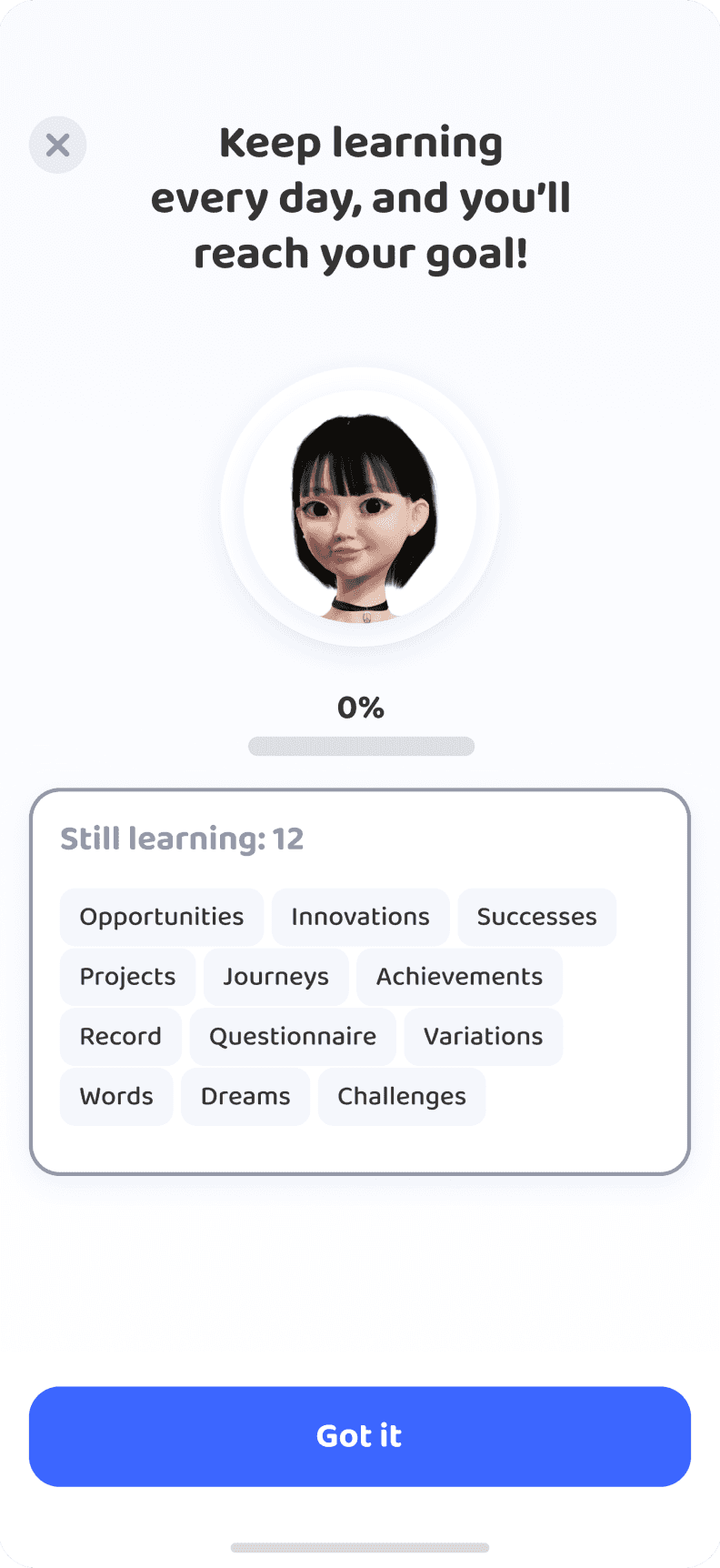
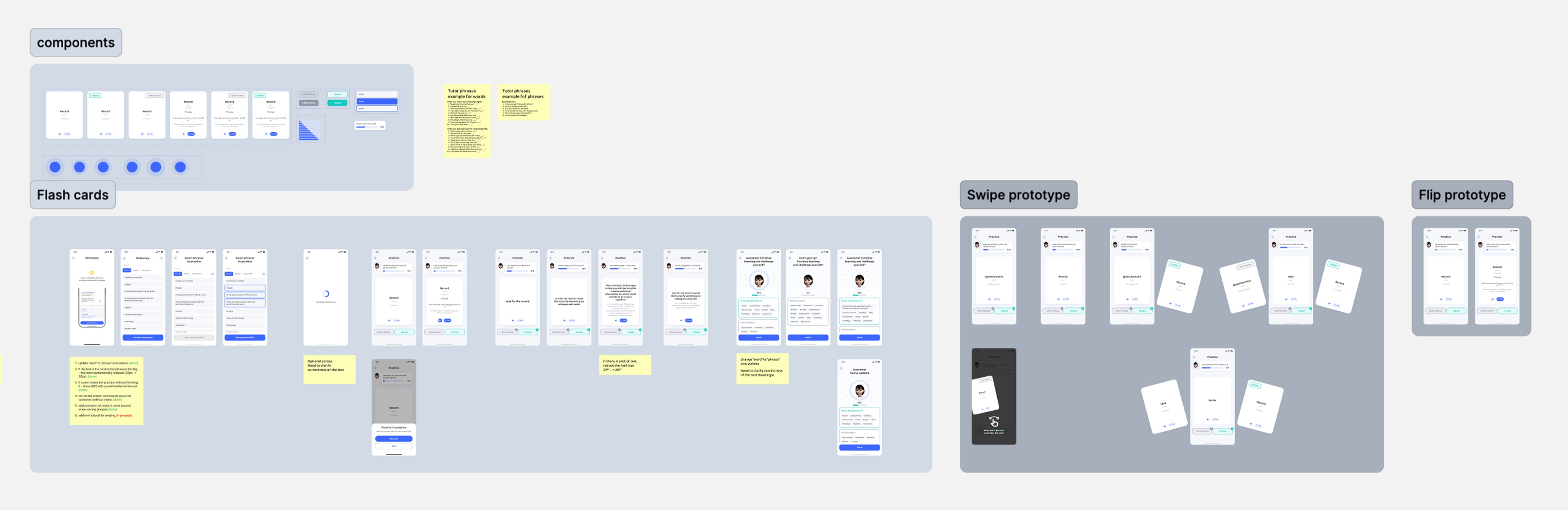
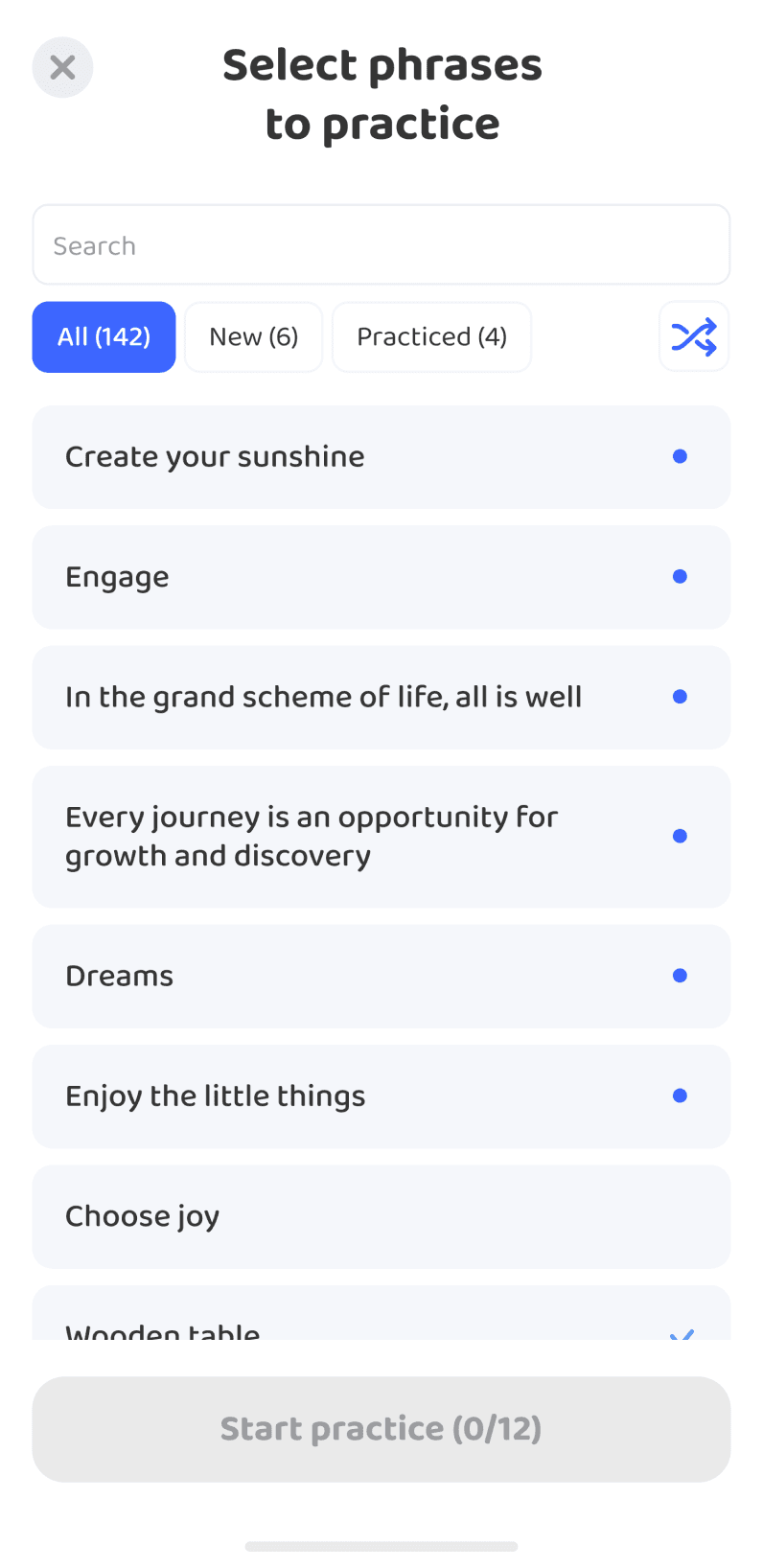
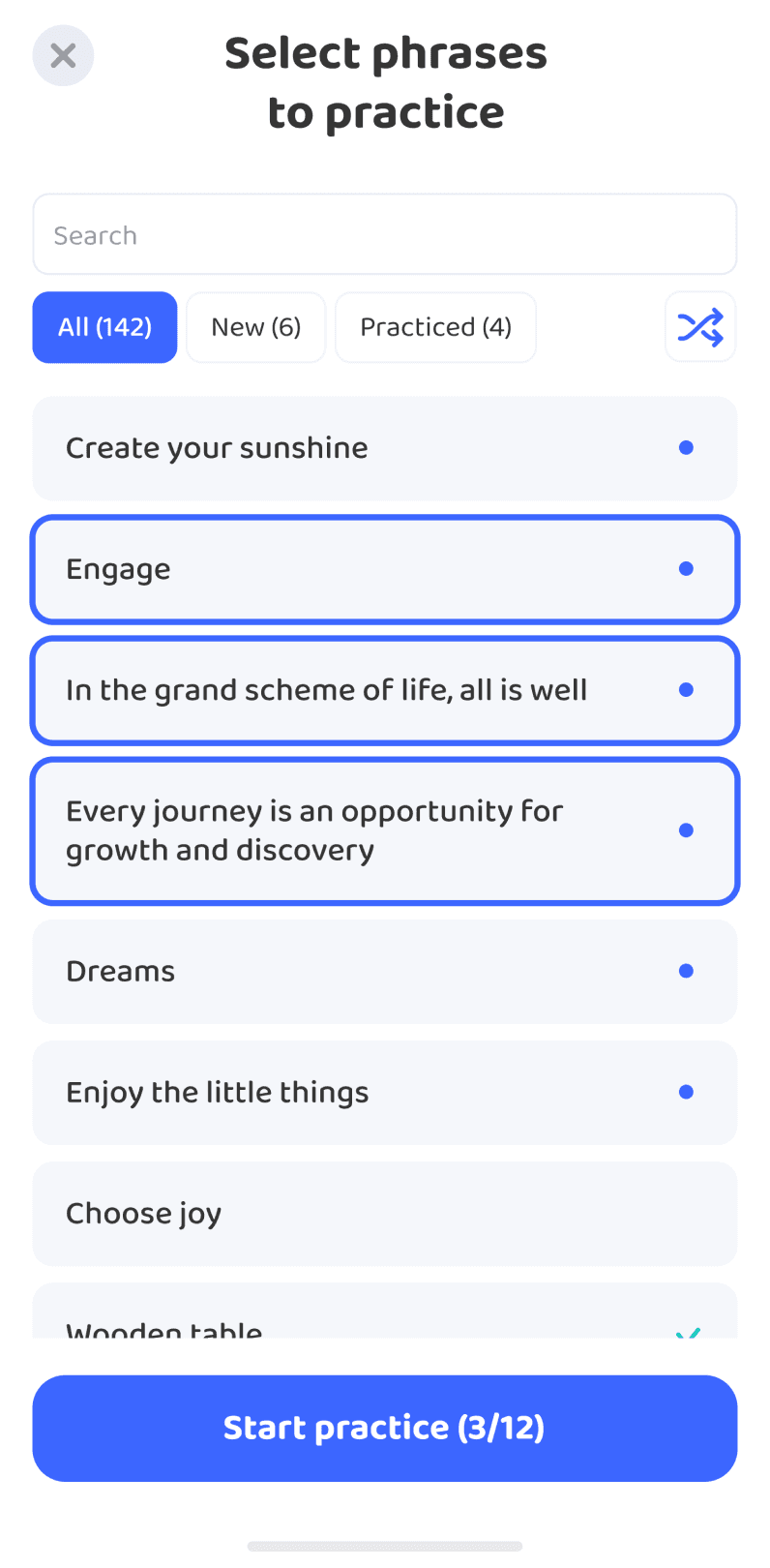
We launched a simple flashcard beta: learners choose a small set of words or phrases and work through a short, swipe-based session. It is quick to learn, and a mini tutor offers brief encouragement along the way.
This was the first step toward a complete review system. Short sessions make it easier to return often and keep new vocabulary active.